
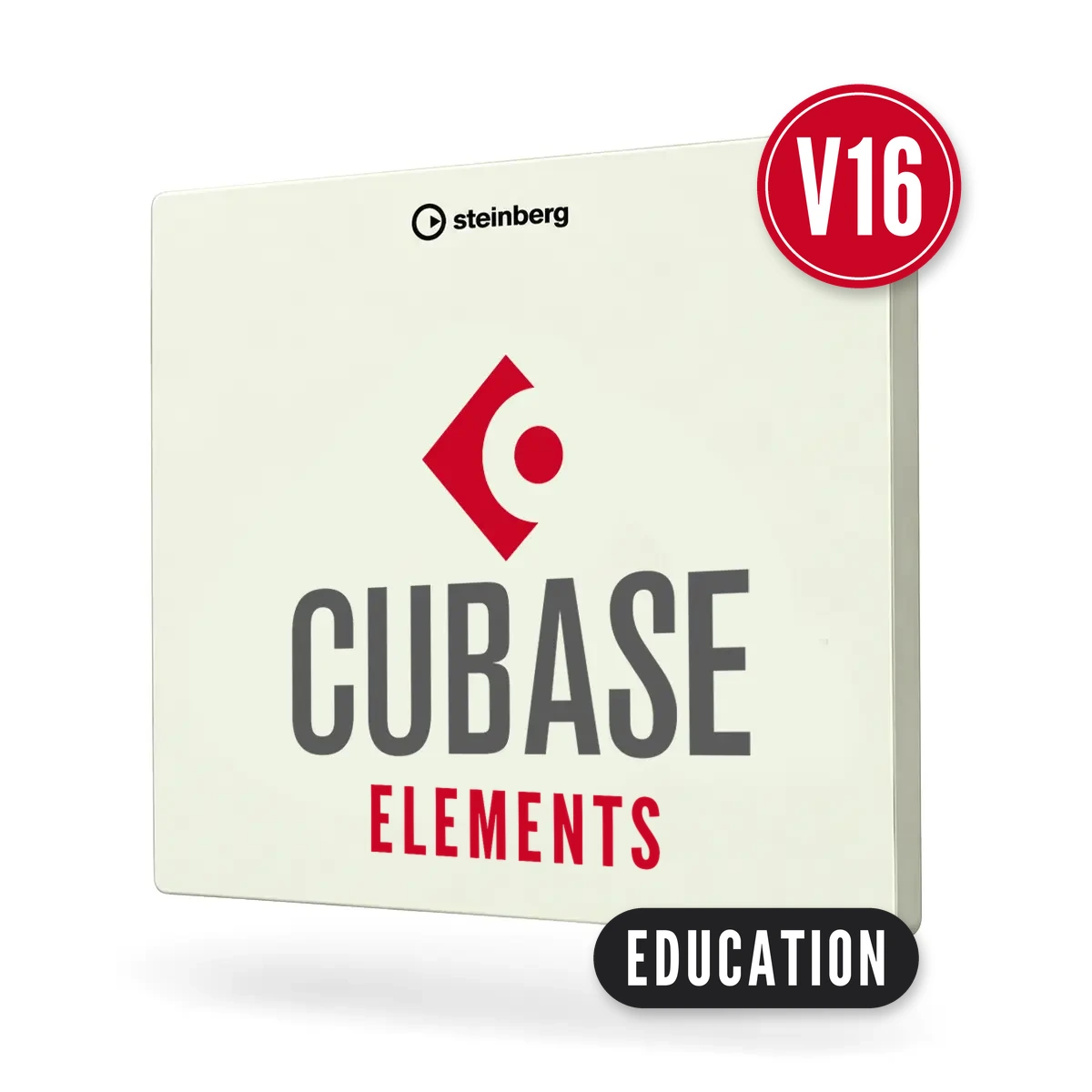
Steinberg Cubase Elements 16 Education (Digital Download)
Digital licence – this is a digital download (no box or physical product). Your activation code and download instructions are delivered by email, usually same day or within 24 hours. Unfortunately incorrectly ordered software licences cannot be refunded or returned, so please check the edition and eligibility before ordering.
Education licence – proof of eligibility required. For current students, teachers and education staff. Email a photo of your student or staff ID, or an enrolment or employment letter, to [email protected] when you order. Your licence is issued once verified.
Digital Audio Workstation
Cubase Elements 16 is an accessible DAW for beginners, with intuitive tools for making beats, songwriting, recording, editing and mixing your own music.
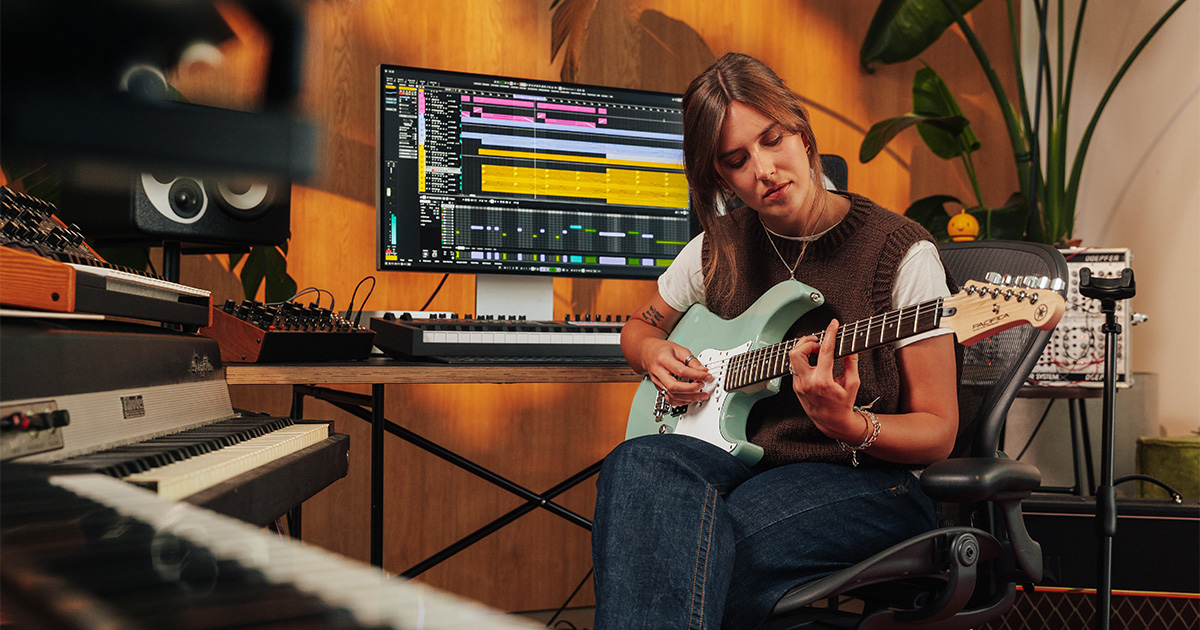
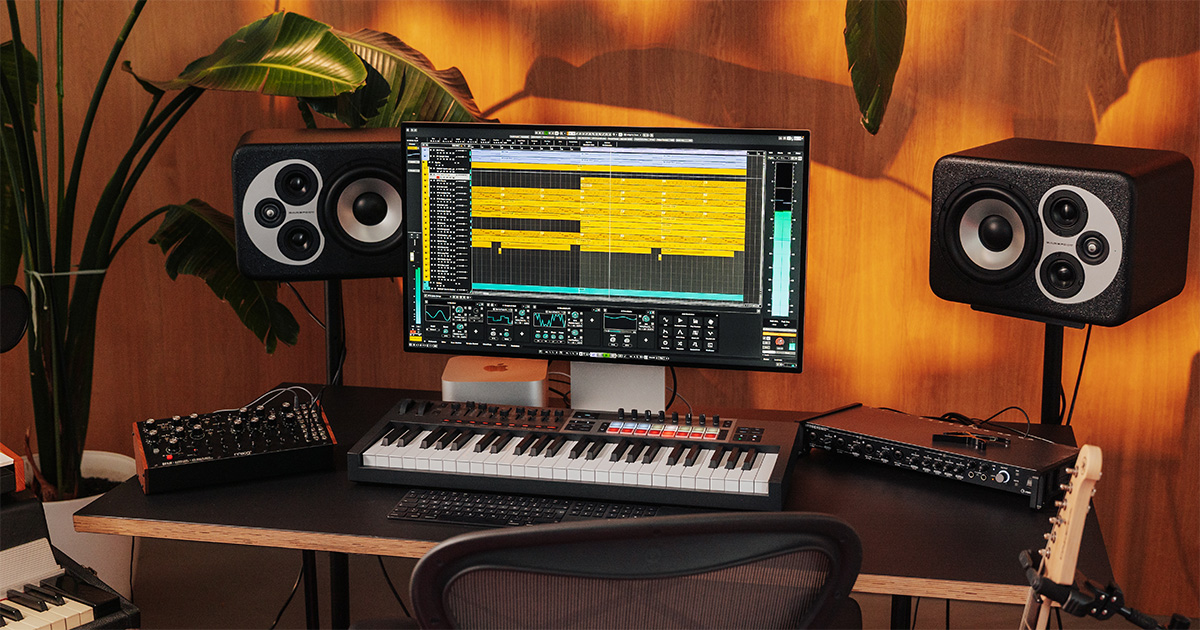
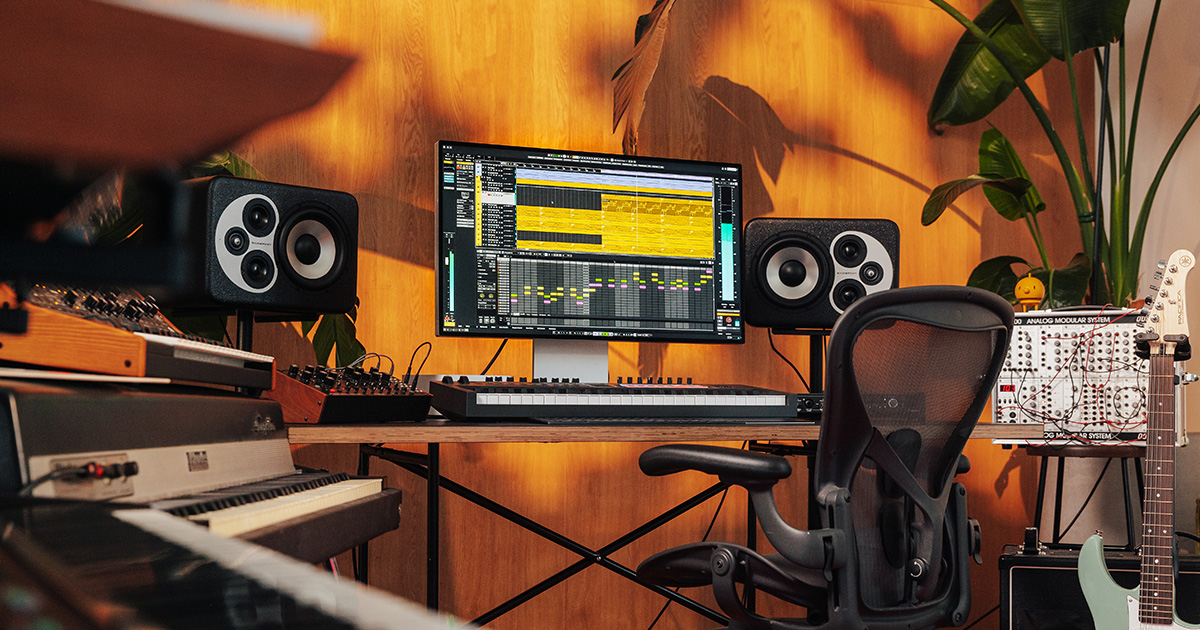
Cubase Elements 16 is the perfect starting point for making music on your computer. Make beats, create melodies and chords, record vocals and instruments at home, edit audio and MIDI, and bring everything together in your mix. Included instruments, effects, sounds and creative tools give you plenty to explore from the moment you start, while features such as Chord Pads, Scale Assistant and Guided Tours help you develop your ideas. Whether you are new to music production, making your first beat, writing your first song or starting with home recording, Cubase Elements gives you the essential tools and creative freedom to make it sound like you.
Features
- Complete Music Production DAW – Create, record, edit, and mix your own music in an intuitive production environment, ideal for beginners and home studios.
- Creative Beat Making and Music Production – Build beats, rhythms, and electronic tracks with Groove Agent SE, Sampler Track, and inspiring sounds and loops.
- Audio Recording and Editing – Record vocals and instruments, edit audio performances, and bring your recordings together into polished productions.
- Intuitive MIDI Editing – Create and refine melodies, chords, and rhythms with powerful MIDI editing tools, including new Strum and Stretch functions.
- Songwriting and Composition Tools – Explore musical ideas, develop chord progressions, and create arrangements with Chord Pads, Chord Track, and Scale Assistant.
- Inspiring Virtual Instruments and Sounds – Get creative with HALion Sonic, Groove Agent SE, Iconica Sketch, and a versatile collection of instruments, effects, samples, and loops.
- Mixing and Effects – Shape your sound with MixConsole, channel effects, automation, and mastering presets to give your tracks a polished finish.
- VocalTouch (New) – Enhance vocal recordings quickly with intuitive controls and ready-to-use presets for different vocal styles.
- Omnivocal Basic (New) – Develop vocal melodies and songwriting ideas with realistic synthesized singing voices and integrated lyric editing.
- Easy Setup and Guided Learning (New) – Get started faster with Guided Tours, contextual Quick Help, and a redesigned, searchable Settings workspace.
System requirements
Mac
OS: macOS Golden Gate 27, macOS Tahoe 26, macOS Sequoia 15
Disk space: 89 GB
CPU: Intel® Core™ i5 (2018 or later) or Apple silicon
Plug-in formats: standalone
Windows
OS: 64-bit Windows 11 (version 25H2 or higher) and 64-bit Windows 10 (version 22H2 or higher)
Disk space: 89 GB
CPU: Intel® Core™ i5 (8th Generation), AMD Ryzen™ Series-3000 or Windows on Arm processor
Plug-in formats: standalone
Related products
-

PRO TOOLS Studio
$149
Multiseat EducationIn stock
This product has multiple variants. The options may be chosen on the product page -

SIBELIUS Artist
Price range: $129 through $169
1yr SubscriptionIn stock
This product has multiple variants. The options may be chosen on the product page -

PRO TOOLS Ultimate
$499
1yr Subscription EducationIn stock
This product has multiple variants. The options may be chosen on the product page -

REASON 14
Original price was: $479.$319Current price is: $319.In stock
-

PRO TOOLS Ultimate
Price range: $629 through $909
1yr SubscriptionIn stock
This product has multiple variants. The options may be chosen on the product page -

SIBELIUS Artist
$99
Perpetual – UpgradeIn stock
STEINBERG Cubase
Elements 16 – Education
$115
In stock
see more from:

STEINBERG Cubase
Elements 16 – Education
$115
In stock
Steinberg Cubase Elements 16 Education (Digital Download)
Digital licence – this is a digital download (no box or physical product). Your activation code and download instructions are delivered by email, usually same day or within 24 hours. Unfortunately incorrectly ordered software licences cannot be refunded or returned, so please check the edition and eligibility before ordering.
Education licence – proof of eligibility required. For current students, teachers and education staff. Email a photo of your student or staff ID, or an enrolment or employment letter, to [email protected] when you order. Your licence is issued once verified.
Digital Audio Workstation
Cubase Elements 16 is an accessible DAW for beginners, with intuitive tools for making beats, songwriting, recording, editing and mixing your own music.
Cubase Elements 16 is the perfect starting point for making music on your computer. Make beats, create melodies and chords, record vocals and instruments at home, edit audio and MIDI, and bring everything together in your mix. Included instruments, effects, sounds and creative tools give you plenty to explore from the moment you start, while features such as Chord Pads, Scale Assistant and Guided Tours help you develop your ideas. Whether you are new to music production, making your first beat, writing your first song or starting with home recording, Cubase Elements gives you the essential tools and creative freedom to make it sound like you.
Features
- Complete Music Production DAW – Create, record, edit, and mix your own music in an intuitive production environment, ideal for beginners and home studios.
- Creative Beat Making and Music Production – Build beats, rhythms, and electronic tracks with Groove Agent SE, Sampler Track, and inspiring sounds and loops.
- Audio Recording and Editing – Record vocals and instruments, edit audio performances, and bring your recordings together into polished productions.
- Intuitive MIDI Editing – Create and refine melodies, chords, and rhythms with powerful MIDI editing tools, including new Strum and Stretch functions.
- Songwriting and Composition Tools – Explore musical ideas, develop chord progressions, and create arrangements with Chord Pads, Chord Track, and Scale Assistant.
- Inspiring Virtual Instruments and Sounds – Get creative with HALion Sonic, Groove Agent SE, Iconica Sketch, and a versatile collection of instruments, effects, samples, and loops.
- Mixing and Effects – Shape your sound with MixConsole, channel effects, automation, and mastering presets to give your tracks a polished finish.
- VocalTouch (New) – Enhance vocal recordings quickly with intuitive controls and ready-to-use presets for different vocal styles.
- Omnivocal Basic (New) – Develop vocal melodies and songwriting ideas with realistic synthesized singing voices and integrated lyric editing.
- Easy Setup and Guided Learning (New) – Get started faster with Guided Tours, contextual Quick Help, and a redesigned, searchable Settings workspace.
System requirements
Mac
OS: macOS Golden Gate 27, macOS Tahoe 26, macOS Sequoia 15
Disk space: 89 GB
CPU: Intel® Core™ i5 (2018 or later) or Apple silicon
Plug-in formats: standalone
Windows
OS: 64-bit Windows 11 (version 25H2 or higher) and 64-bit Windows 10 (version 22H2 or higher)
Disk space: 89 GB
CPU: Intel® Core™ i5 (8th Generation), AMD Ryzen™ Series-3000 or Windows on Arm processor
Plug-in formats: standalone
see more from:
Related products
-

SIBELIUS Ultimate
$949
Perpetual Education BUNDLE – NewIn stock
-

PRO TOOLS Multiseat
$909
1yr SubscriptionBackorder
-

PRO TOOLS Studio
Price range: $159 through $169
1yr Subscription EducationIn stock
This product has multiple variants. The options may be chosen on the product page