
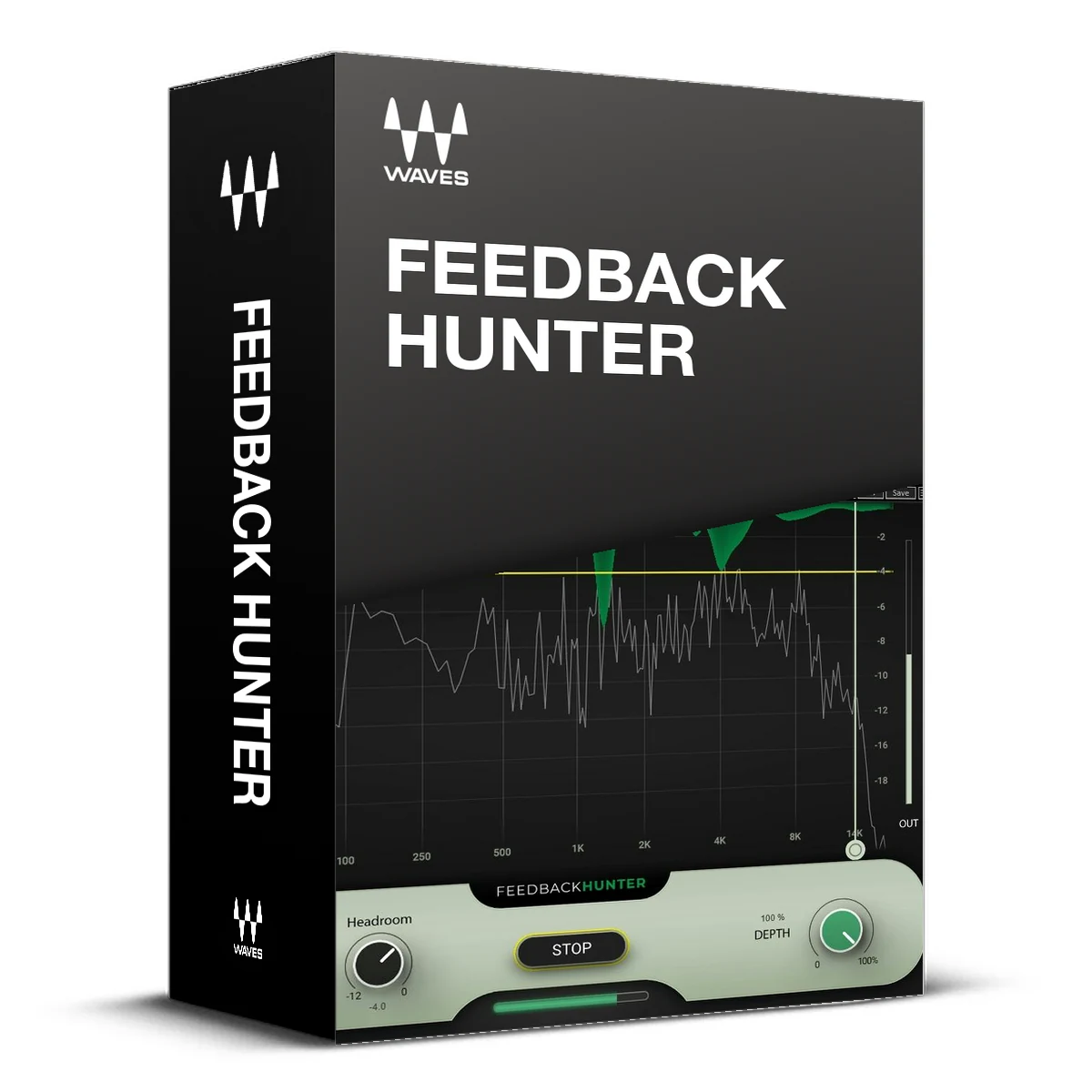
Waves Feedback Hunter (Digital Download)
Digital licence – this is a digital download (no box or physical product). Your activation code and download instructions are delivered by email, usually same day or within 24 hours. Unfortunately incorrectly ordered software licences cannot be refunded or returned, so please check the edition and eligibility before ordering.
Effortless Feedback Control for Live Sound Engineers
Optimize stage monitors and PA systems faster than ever
Feedback Hunter is an innovative tool designed for FOH and live sound engineers to ensure maximum gain before feedback—fast. It revolutionizes the way stage monitors and PA systems are set up by analyzing the mic and monitor’s response and creating an EQ curve that optimizes the relationship. This ensures clear sound throughout your live shows, with less risk of feedback.
No more complex, time-consuming processes: Feedback Hunter’s setup can take as little as 30 seconds. With its user-friendly interface, Feedback Hunter is not just for the seasoned sound engineer but for anyone who seeks excellent live sound.
Unlike X-FDBK, which can be used during a live show and produces single notch bands for problematic frequencies, Feedback Hunter processes the whole frequency spectrum and should be used during the setup time, when you are ready to ring out your wedges or PA.
Intelligent Analysis
Feedback Hunter evaluates the mic-speaker interactions using white noise, fine-tuning its feedback control to your specific acoustic environment.
Fast Setup
Analyzing and processing your monitors can be done in as little as 30 seconds. Transform the tedious task of ringing out speakers into an efficient, streamlined experience.
Customizable Results
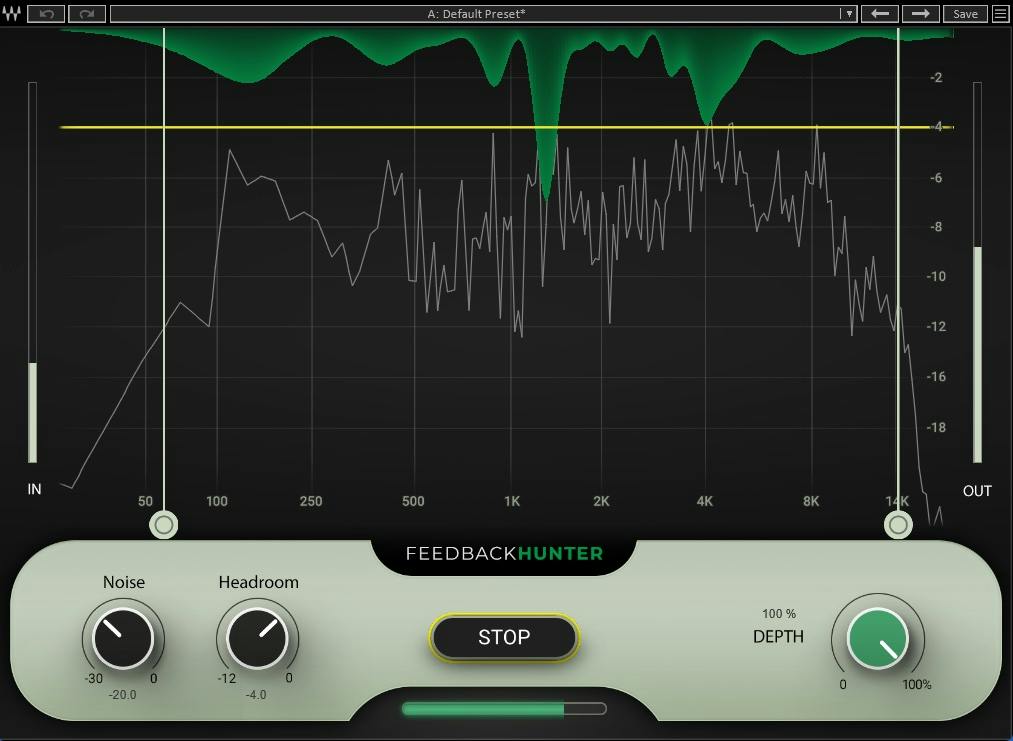
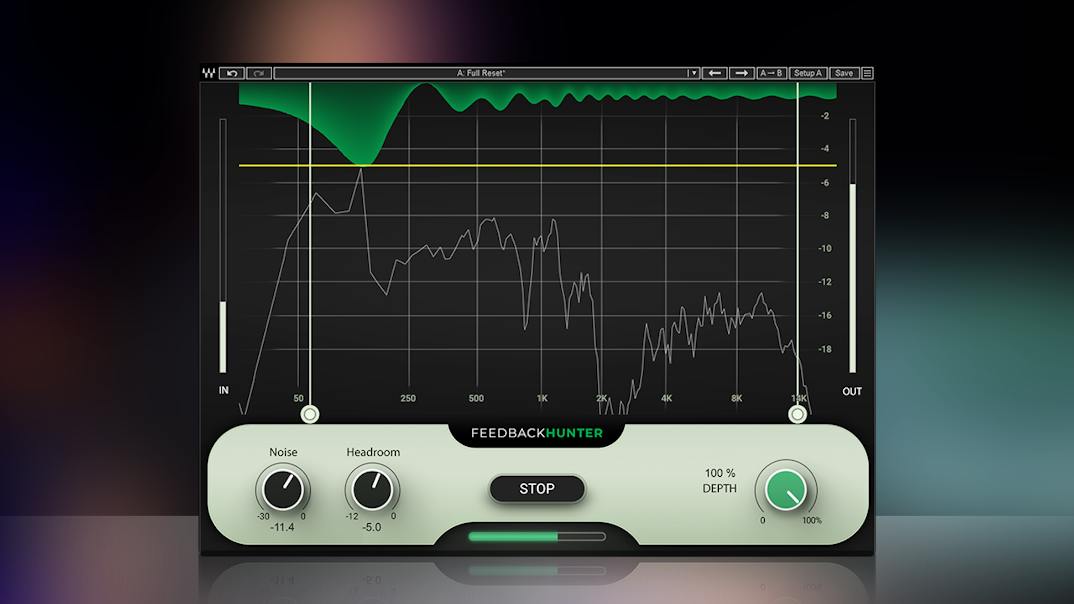
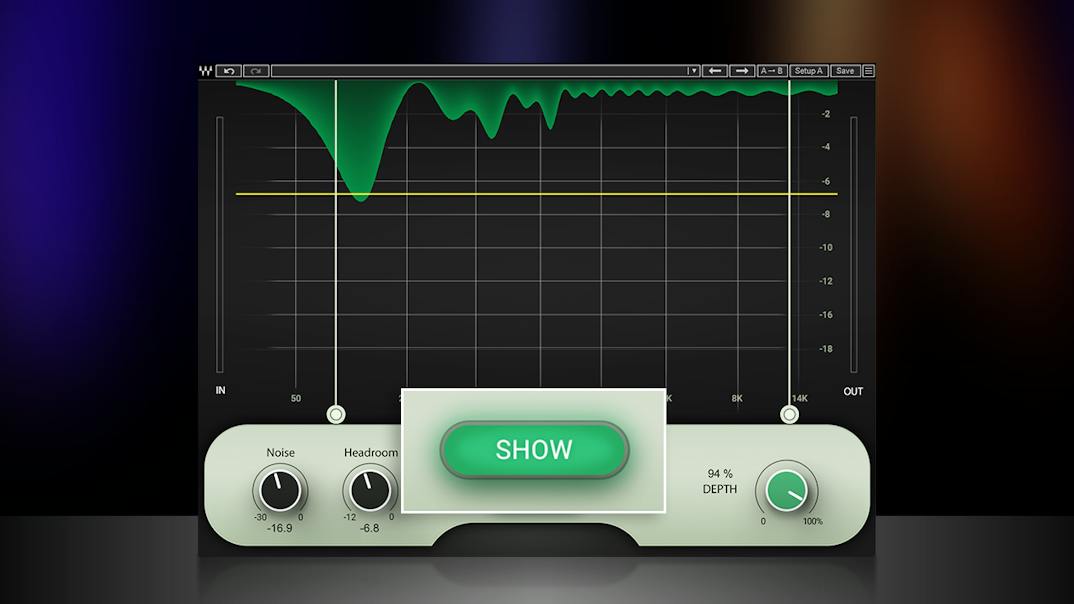
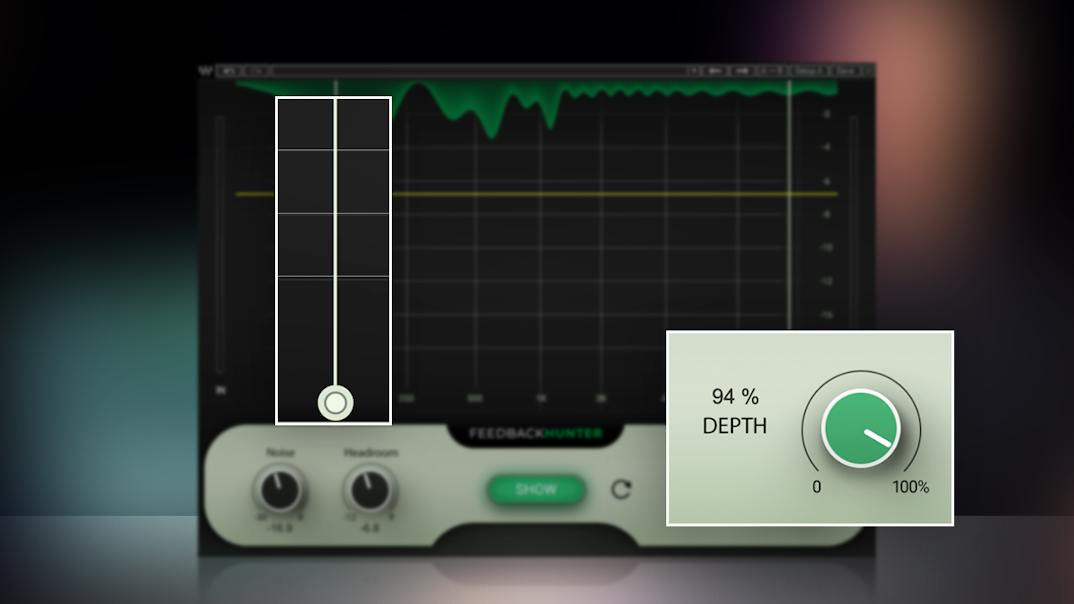
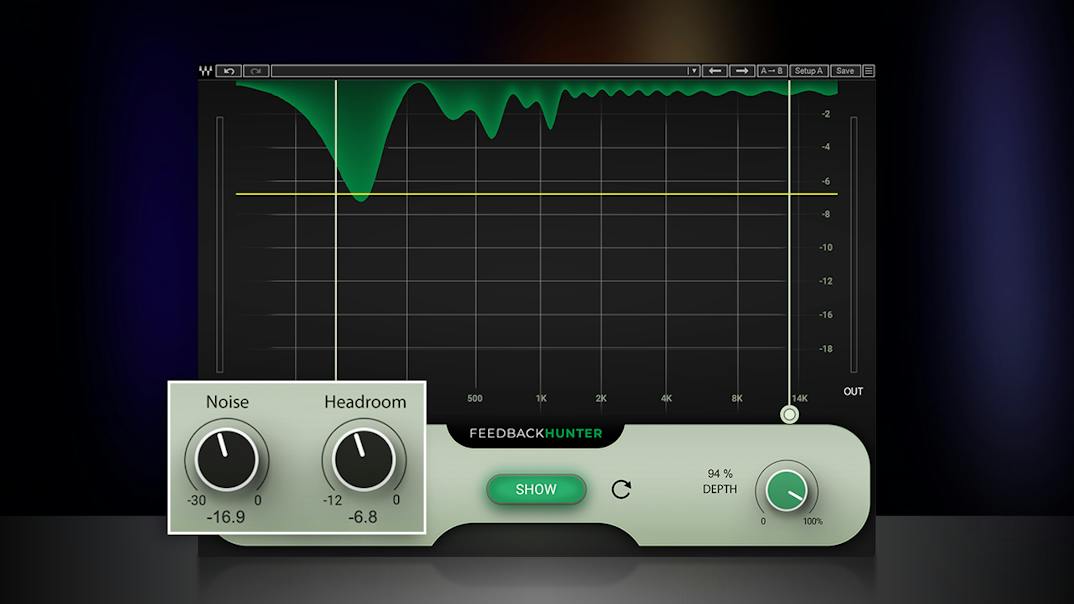
Use the “Frequency Brackets” to confine the affected frequency ranges or modify the processing intensity with the “Depth” knob as required.
Adaptive to Complex Spaces
In noisy environments or when more headroom is needed, adjust the “Noise” and “Headroom” knobs to customize the plugin’s settings prior to the analysis phase.
Features
- Maximize gain before feedback
- As little as 30 seconds for the entire process
- Works in noisy environments
- Eliminate the need for ringing-out speakers
- Customize the affected frequency ranges
- Adaptable target headroom
System requirements
Mac
OS: macOS Catalina 10.15, Big Sur 11, Monterey 12, Ventura 13, Sonoma 14
Disk space: 16 GB
CPU: Intel or Silicon Architecture
Windows
OS: Windows 10 64 bit and Windows 11
CPU: X64 compatible Intel or AMD CPU
Related products
-

SIBELIUS Ultimate
Price range: $259 through $319
1yr SubscriptionIn stock
This product has multiple variants. The options may be chosen on the product page -

PRO TOOLS Studio
$1,029
Perpetual Licence – NewIn stock
-

PRO TOOLS Studio
$149
Multiseat EducationIn stock
This product has multiple variants. The options may be chosen on the product page -

SIBELIUS Ultimate
$269
Perpetual – UpgradeIn stock
-

PRO TOOLS Ultimate
$499
1yr Subscription EducationIn stock
This product has multiple variants. The options may be chosen on the product page -

Avid AudioScore Ultimate
$479In stock
WAVES
Feedback Hunter
$159
In stock
see more from:
WAVES
Feedback Hunter
$159
In stock
Waves Feedback Hunter (Digital Download)
Digital licence – this is a digital download (no box or physical product). Your activation code and download instructions are delivered by email, usually same day or within 24 hours. Unfortunately incorrectly ordered software licences cannot be refunded or returned, so please check the edition and eligibility before ordering.
Effortless Feedback Control for Live Sound Engineers
Optimize stage monitors and PA systems faster than ever
Feedback Hunter is an innovative tool designed for FOH and live sound engineers to ensure maximum gain before feedback—fast. It revolutionizes the way stage monitors and PA systems are set up by analyzing the mic and monitor’s response and creating an EQ curve that optimizes the relationship. This ensures clear sound throughout your live shows, with less risk of feedback.
No more complex, time-consuming processes: Feedback Hunter’s setup can take as little as 30 seconds. With its user-friendly interface, Feedback Hunter is not just for the seasoned sound engineer but for anyone who seeks excellent live sound.
Unlike X-FDBK, which can be used during a live show and produces single notch bands for problematic frequencies, Feedback Hunter processes the whole frequency spectrum and should be used during the setup time, when you are ready to ring out your wedges or PA.
Intelligent Analysis
Feedback Hunter evaluates the mic-speaker interactions using white noise, fine-tuning its feedback control to your specific acoustic environment.
Fast Setup
Analyzing and processing your monitors can be done in as little as 30 seconds. Transform the tedious task of ringing out speakers into an efficient, streamlined experience.
Customizable Results
Use the “Frequency Brackets” to confine the affected frequency ranges or modify the processing intensity with the “Depth” knob as required.
Adaptive to Complex Spaces
In noisy environments or when more headroom is needed, adjust the “Noise” and “Headroom” knobs to customize the plugin’s settings prior to the analysis phase.
Features
- Maximize gain before feedback
- As little as 30 seconds for the entire process
- Works in noisy environments
- Eliminate the need for ringing-out speakers
- Customize the affected frequency ranges
- Adaptable target headroom
System requirements
Mac
OS: macOS Catalina 10.15, Big Sur 11, Monterey 12, Ventura 13, Sonoma 14
Disk space: 16 GB
CPU: Intel or Silicon Architecture
Windows
OS: Windows 10 64 bit and Windows 11
CPU: X64 compatible Intel or AMD CPU
see more from:


