
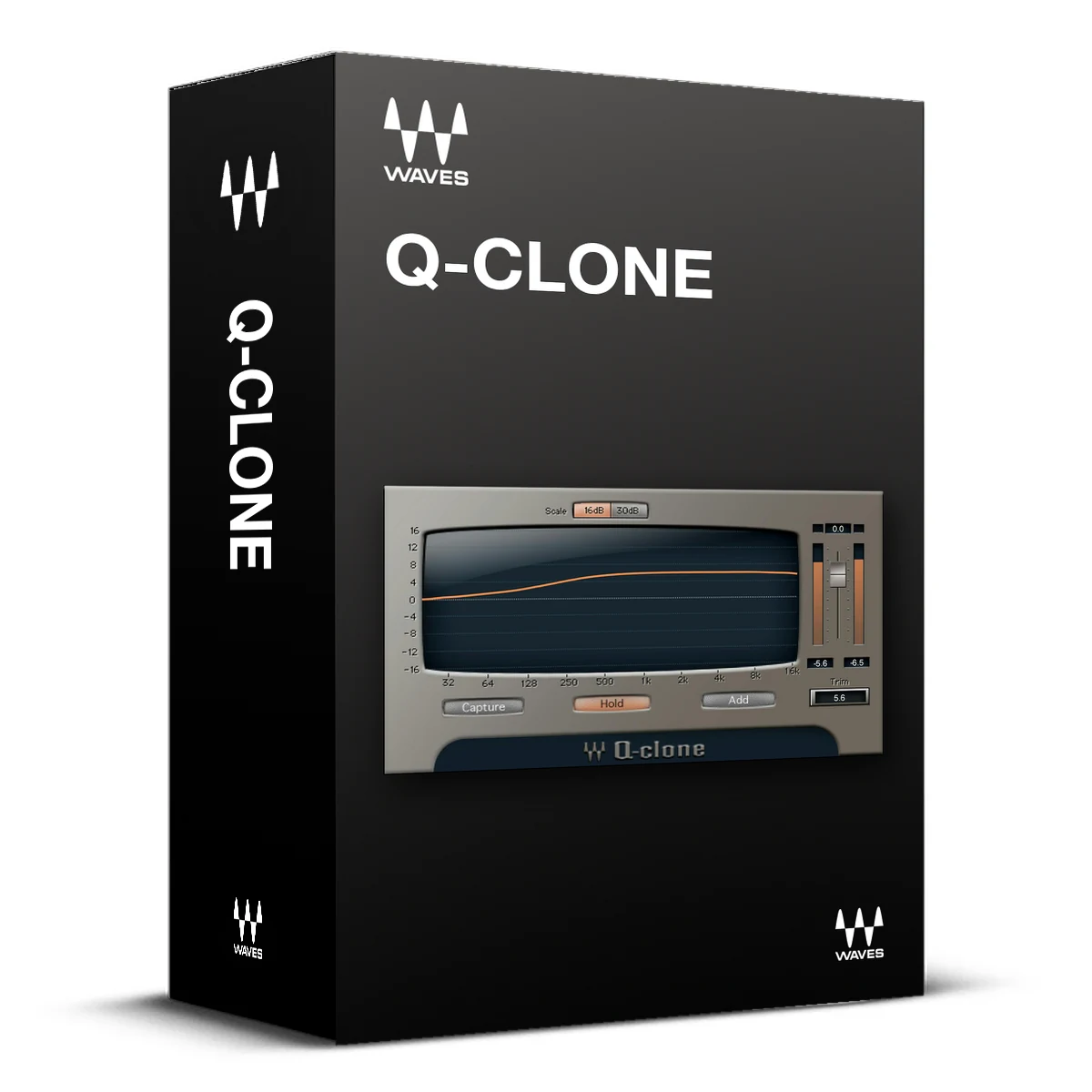
Waves Q-Clone (Digital Download)
Digital licence – this is a digital download (no box or physical product). Your activation code and download instructions are delivered by email, usually same day or within 24 hours. Unfortunately incorrectly ordered software licences cannot be refunded or returned, so please check the edition and eligibility before ordering.
Capture Classic Curves from Hardware EQs
Convert any hardware EQ curve into a plugin preset
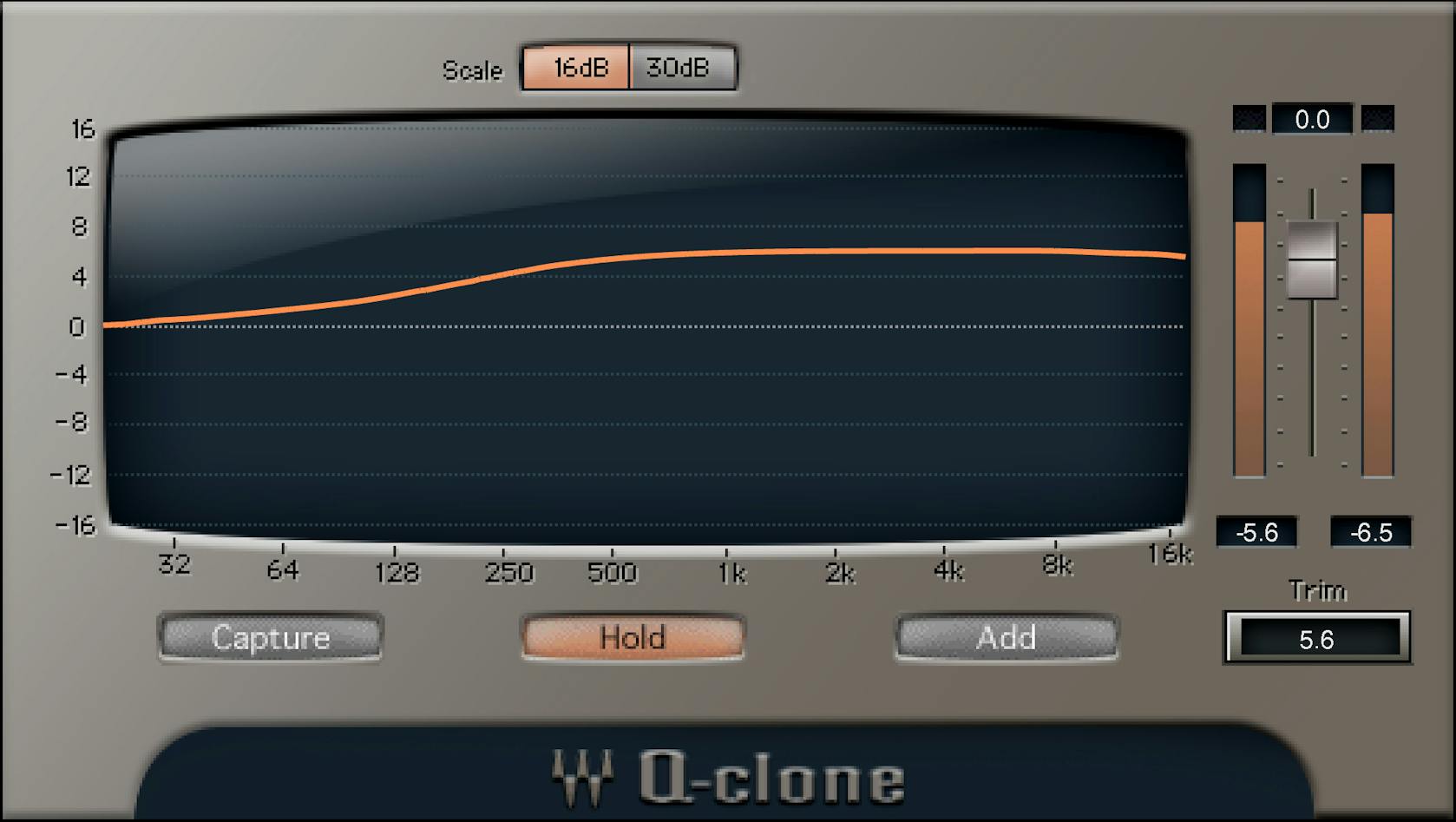
The Q-Capture/Q-Clone combination solves three crucial limitations with outboard analog EQ: You can’t use more than one instance of a hardware processor, you can’t save presets, and you can’t see the actual curve that’s being applied—which often doesn’t correspond to the panel markings.
Q-Capture “samples” a hardware EQ’s curve. Save it as a Q-Clone plugin preset, insert it in as many tracks as you like, and see the exact curve represented graphically. It’s pretty magical.
Features
- Use hardware EQ curves on as many DAW tracks as you want
- Bring the sound of classic hardware into your DAW’s projects
- Comes with a huge collection of presets from vintage hardware EQs
- Use virtual cables for cloning plugins without an audio interface
- Save analog EQ settings as a plugin preset
- Mix and match curves from different EQs
- Displays what’s really happening with analog EQ curves
- Clone plugins—save curves from several series EQs as one preset
System requirements
Mac
OS: macOS Catalina 10.15, Big Sur 11, Monterey 12, Ventura 13, Sonoma 14
Disk space: 16 GB
CPU: Intel or Silicon Architecture
Windows
OS: Windows 10 64 bit and Windows 11
Disk space: 16 GB
CPU: X64 compatible Intel or AMD CPU
Related products
-

PRO TOOLS Studio
Price range: $319 through $479
1yr SubscriptionIn stock
This product has multiple variants. The options may be chosen on the product page -

Avid PhotoScore & AudioScore Ultimate Bundle
$699In stock
-

PRO TOOLS Studio
$379
Perpetual – UpgradeIn stock
-

Avid PhotoScore & NotateMe Ultimate
$479In stock
-

PRO TOOLS Multiseat
$909
1yr SubscriptionBackorder
-

PRO TOOLS Ultimate
Price range: $629 through $909
1yr SubscriptionIn stock
This product has multiple variants. The options may be chosen on the product page
WAVES
Q-Clone
$49
In stock
see more from:
WAVES
Q-Clone
$49
In stock
Waves Q-Clone (Digital Download)
Digital licence – this is a digital download (no box or physical product). Your activation code and download instructions are delivered by email, usually same day or within 24 hours. Unfortunately incorrectly ordered software licences cannot be refunded or returned, so please check the edition and eligibility before ordering.
Capture Classic Curves from Hardware EQs
Convert any hardware EQ curve into a plugin preset
The Q-Capture/Q-Clone combination solves three crucial limitations with outboard analog EQ: You can’t use more than one instance of a hardware processor, you can’t save presets, and you can’t see the actual curve that’s being applied—which often doesn’t correspond to the panel markings.
Q-Capture “samples” a hardware EQ’s curve. Save it as a Q-Clone plugin preset, insert it in as many tracks as you like, and see the exact curve represented graphically. It’s pretty magical.
Features
- Use hardware EQ curves on as many DAW tracks as you want
- Bring the sound of classic hardware into your DAW’s projects
- Comes with a huge collection of presets from vintage hardware EQs
- Use virtual cables for cloning plugins without an audio interface
- Save analog EQ settings as a plugin preset
- Mix and match curves from different EQs
- Displays what’s really happening with analog EQ curves
- Clone plugins—save curves from several series EQs as one preset
System requirements
Mac
OS: macOS Catalina 10.15, Big Sur 11, Monterey 12, Ventura 13, Sonoma 14
Disk space: 16 GB
CPU: Intel or Silicon Architecture
Windows
OS: Windows 10 64 bit and Windows 11
Disk space: 16 GB
CPU: X64 compatible Intel or AMD CPU
see more from:
Related products
-
PRO TOOLS Studio
Price range: $319 through $479
1yr SubscriptionIn stock
This product has multiple variants. The options may be chosen on the product page -

PRO TOOLS Artist
Price range: $129 through $169
1yr SubscriptionIn stock
This product has multiple variants. The options may be chosen on the product page -

PRO TOOLS Studio
$1,029
Perpetual Licence – NewIn stock