
Eventide DeBoom (Digital Download)
Digital licence – this is a digital download (no box or physical product). Your activation code and download instructions are delivered by email, usually same day or within 24 hours. Unfortunately incorrectly ordered software licences cannot be refunded or returned, so please check the edition and eligibility before ordering.
Solve Low Frequency Problems
DeBoom is a purpose-driven tool for surgically addressing common low frequency equalization problems. Kick drums, bass, and similar sound sources can contribute to low frequency “muddiness.” Traditional EQs ‘solve’ the problem but cause collateral damage – the drum’s thump goes out with the boom. The bass attack gets tossed with its resonance. DeBoom solves this problem by using Eventide’s patented Structural Split technology to EQ the tonal portion of the sound separately from the transient. Power users have been doing exactly this using the full-featured SplitEQ plugin. We’ve put the power of SplitEQ in DeBoom and reduced it to a single, powerful, one knob gesture.
Repair
DeBoom quickly and easily removes low-frequency muddiness without sacrificing impact. It’s a powerful, yet simple, tool for repairing audio that otherwise require extensive, clumsy traditional tools.
Reshape
DeBoom surgically “shapes” low frequencies without causing collateral damage.
Enhance
DeBoom can be used to tighten up the low frequencies to better refine their balance.
Structural Split
The beating heart of DeBoom is the same groundbreaking technology found in SplitEQ and Physion. Whatever instrument you process, DeBoom analyzes the incoming audio and separates these components into their respective Transient (noise, pops, mic plosives, vocal sibilance, attacks) and Tonal (sustained notes, harmonics, tone, ambiance) elements. DeBoom uses this information to apply specially crafted EQ curves to the tonal layer of the incoming audio, removing boom and reshaping sounds instantly.
Just One Knob
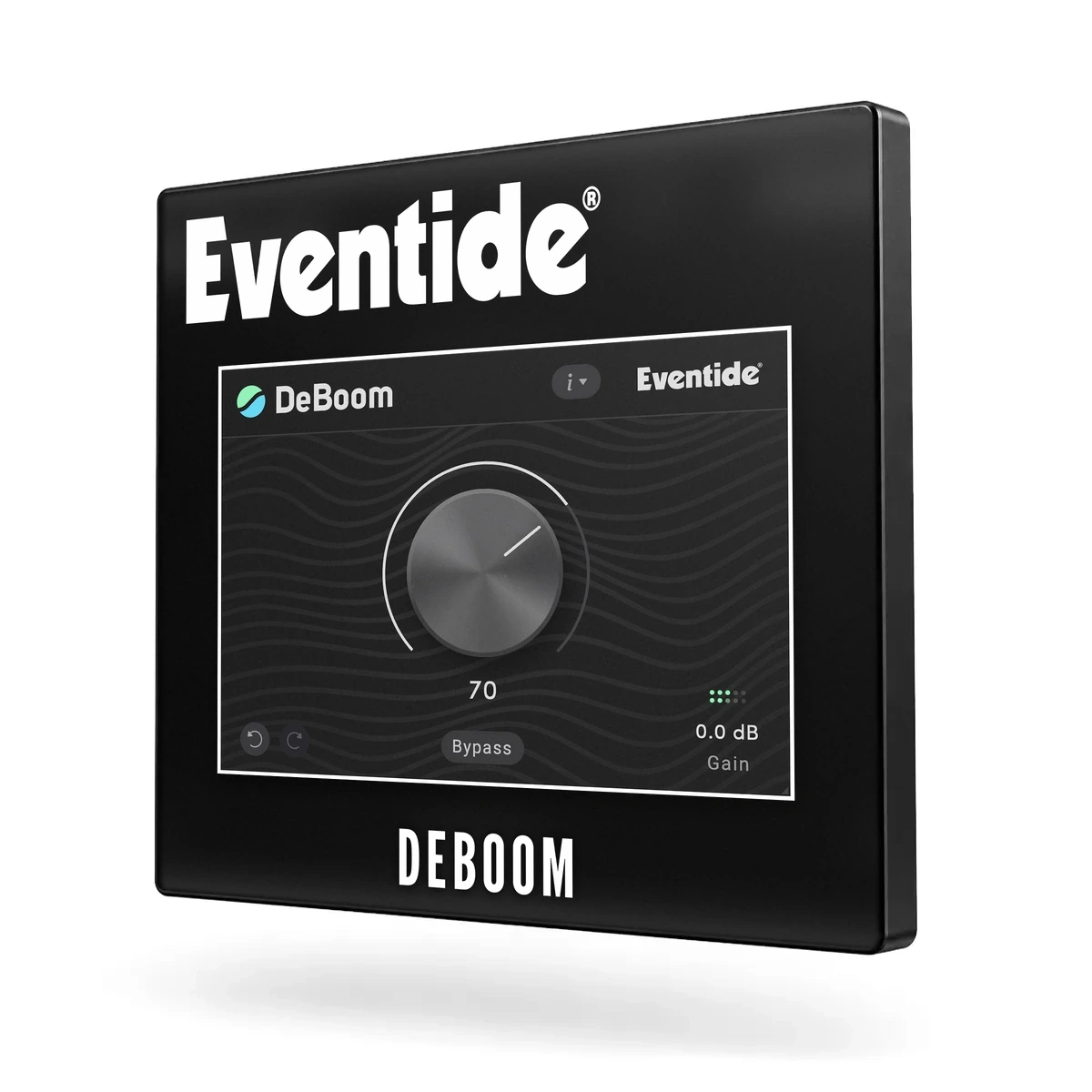
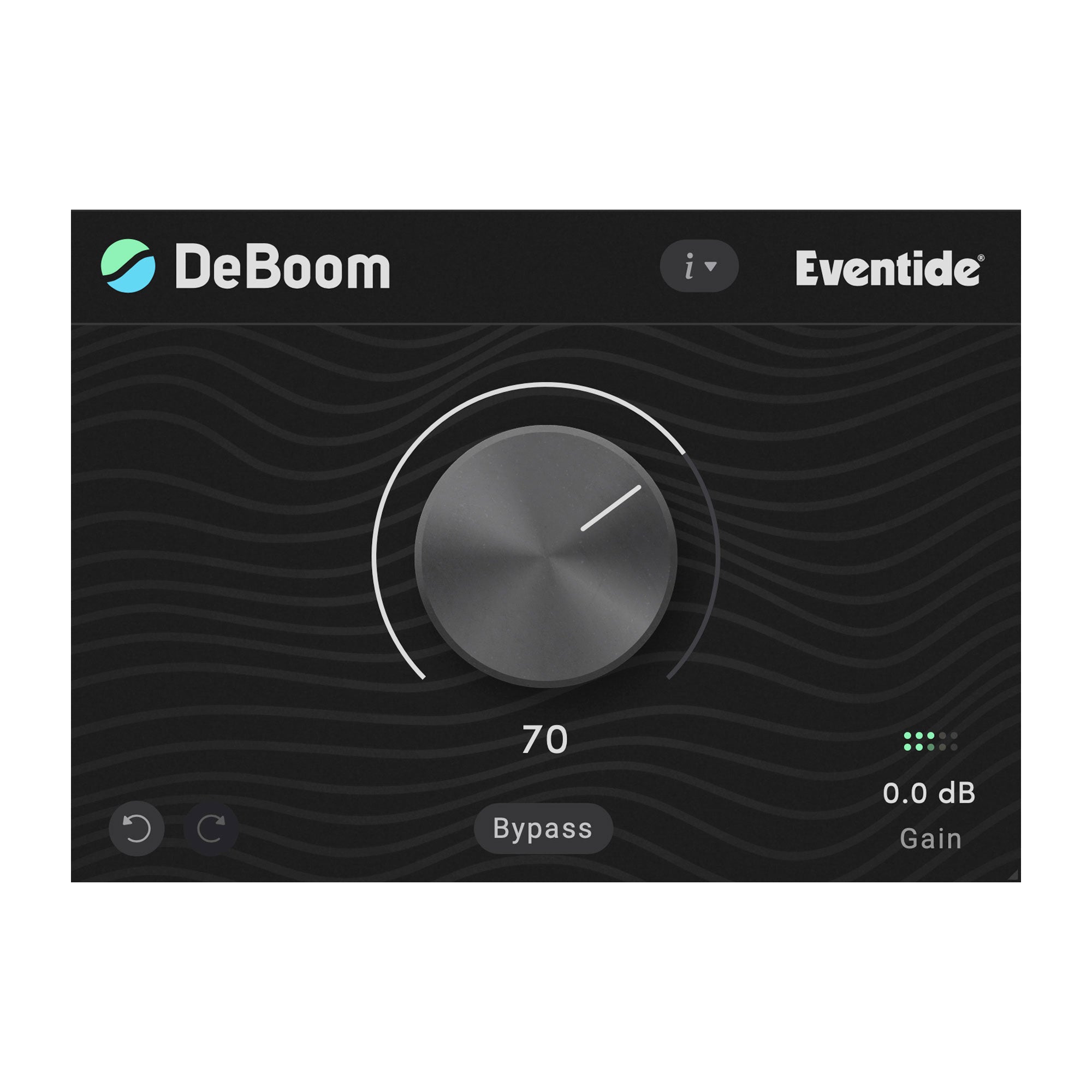
A straightforward user interface focused specifically on what matters: De-booming without de-thuding. Turn the dial, lose the mud and keep the thud. DeBoom’s user interface also includes undo/redo, input gain and built-in bypass.
System Requirements
macOS 10.14+, Intel and Apple Silicon AAX 64-bit, AU 64-bit, VST3 64-bit
Windows 10+ AAX 64-bit, VST2 64-bit, VST3 64-bit
An iLok account is required, but no physical dongle is necessary.
We test our desktop plug-ins in Ableton Live, Cubase, FL Studio, Logic Pro, Pro Tools, and Studio One. Our plug-ins should work with any compatible host, however we recommend you download a 14-day demo to check before buying.
Full details: eventideaudio.com/plug-ins.
Related products
-

PRO TOOLS Artist
$339
Perpetual – NewIn stock
-

PRO TOOLS Multiseat
$909
1yr SubscriptionBackorder
-

SIBELIUS Ultimate
$949
Perpetual Education BUNDLE – NewIn stock
-

PRO TOOLS Studio
$149
Multiseat EducationIn stock
This product has multiple variants. The options may be chosen on the product page -

REASON 14
Original price was: $479.$319Current price is: $319.In stock
-

PRO TOOLS Ultimate
Price range: $629 through $909
1yr SubscriptionIn stock
This product has multiple variants. The options may be chosen on the product page
EVENTIDE
DeBoom
$79
In stock
see more from:

EVENTIDE
DeBoom
$79
In stock
Eventide DeBoom (Digital Download)
Digital licence – this is a digital download (no box or physical product). Your activation code and download instructions are delivered by email, usually same day or within 24 hours. Unfortunately incorrectly ordered software licences cannot be refunded or returned, so please check the edition and eligibility before ordering.
Solve Low Frequency Problems
DeBoom is a purpose-driven tool for surgically addressing common low frequency equalization problems. Kick drums, bass, and similar sound sources can contribute to low frequency “muddiness.” Traditional EQs ‘solve’ the problem but cause collateral damage – the drum’s thump goes out with the boom. The bass attack gets tossed with its resonance. DeBoom solves this problem by using Eventide’s patented Structural Split technology to EQ the tonal portion of the sound separately from the transient. Power users have been doing exactly this using the full-featured SplitEQ plugin. We’ve put the power of SplitEQ in DeBoom and reduced it to a single, powerful, one knob gesture.
Repair
DeBoom quickly and easily removes low-frequency muddiness without sacrificing impact. It’s a powerful, yet simple, tool for repairing audio that otherwise require extensive, clumsy traditional tools.
Reshape
DeBoom surgically “shapes” low frequencies without causing collateral damage.
Enhance
DeBoom can be used to tighten up the low frequencies to better refine their balance.
Structural Split
The beating heart of DeBoom is the same groundbreaking technology found in SplitEQ and Physion. Whatever instrument you process, DeBoom analyzes the incoming audio and separates these components into their respective Transient (noise, pops, mic plosives, vocal sibilance, attacks) and Tonal (sustained notes, harmonics, tone, ambiance) elements. DeBoom uses this information to apply specially crafted EQ curves to the tonal layer of the incoming audio, removing boom and reshaping sounds instantly.
Just One Knob
A straightforward user interface focused specifically on what matters: De-booming without de-thuding. Turn the dial, lose the mud and keep the thud. DeBoom’s user interface also includes undo/redo, input gain and built-in bypass.
System Requirements
macOS 10.14+, Intel and Apple Silicon AAX 64-bit, AU 64-bit, VST3 64-bit
Windows 10+ AAX 64-bit, VST2 64-bit, VST3 64-bit
An iLok account is required, but no physical dongle is necessary.
We test our desktop plug-ins in Ableton Live, Cubase, FL Studio, Logic Pro, Pro Tools, and Studio One. Our plug-ins should work with any compatible host, however we recommend you download a 14-day demo to check before buying.
Full details: eventideaudio.com/plug-ins.
see more from:


