
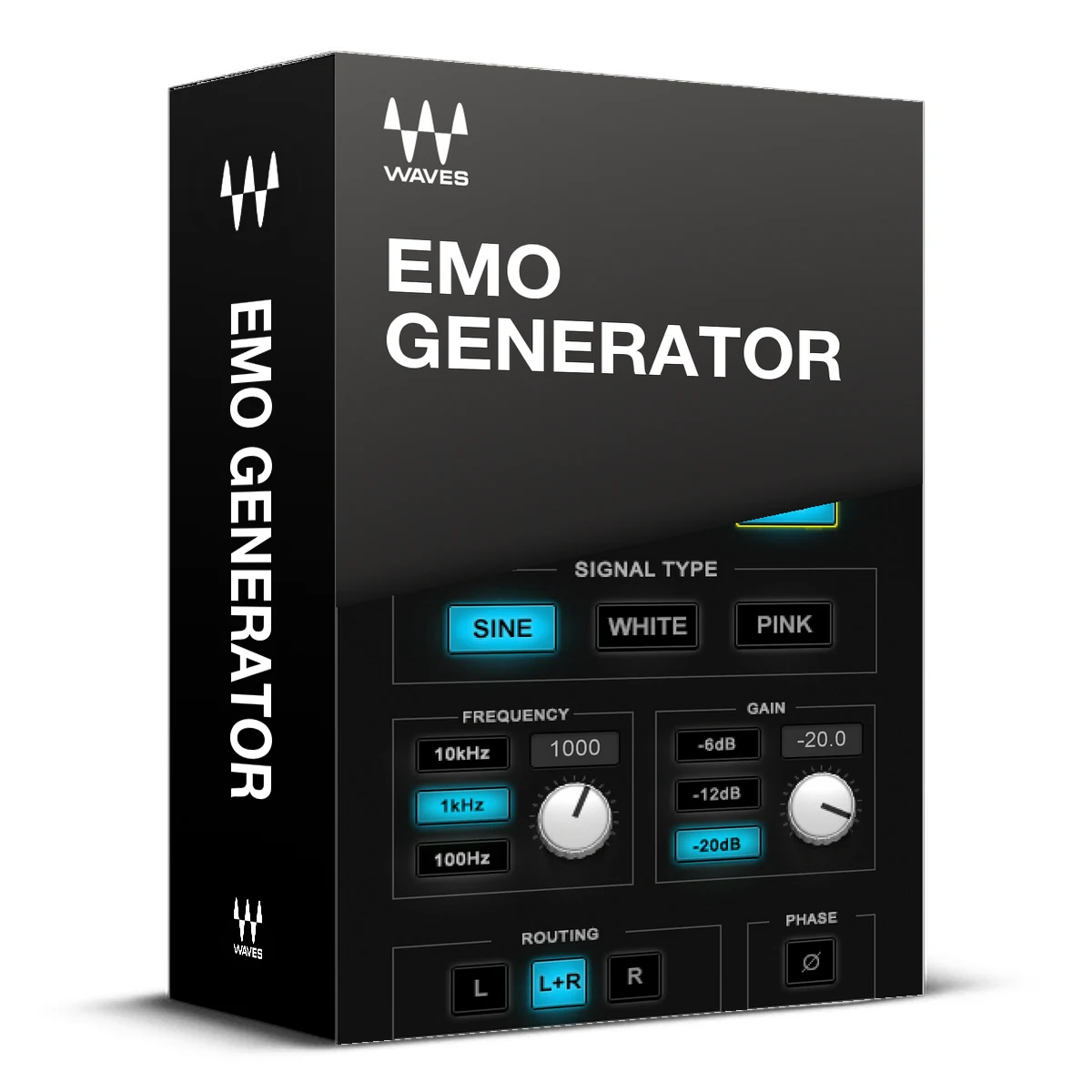
Waves eMo Generator (Digital Download)
Digital licence – this is a digital download (no box or physical product). Your activation code and download instructions are delivered by email, usually same day or within 24 hours. Unfortunately incorrectly ordered software licences cannot be refunded or returned, so please check the edition and eligibility before ordering.
Find Out What Your System Is Really Doing
Analyze, synthesize, test, set up, ring out, and mix
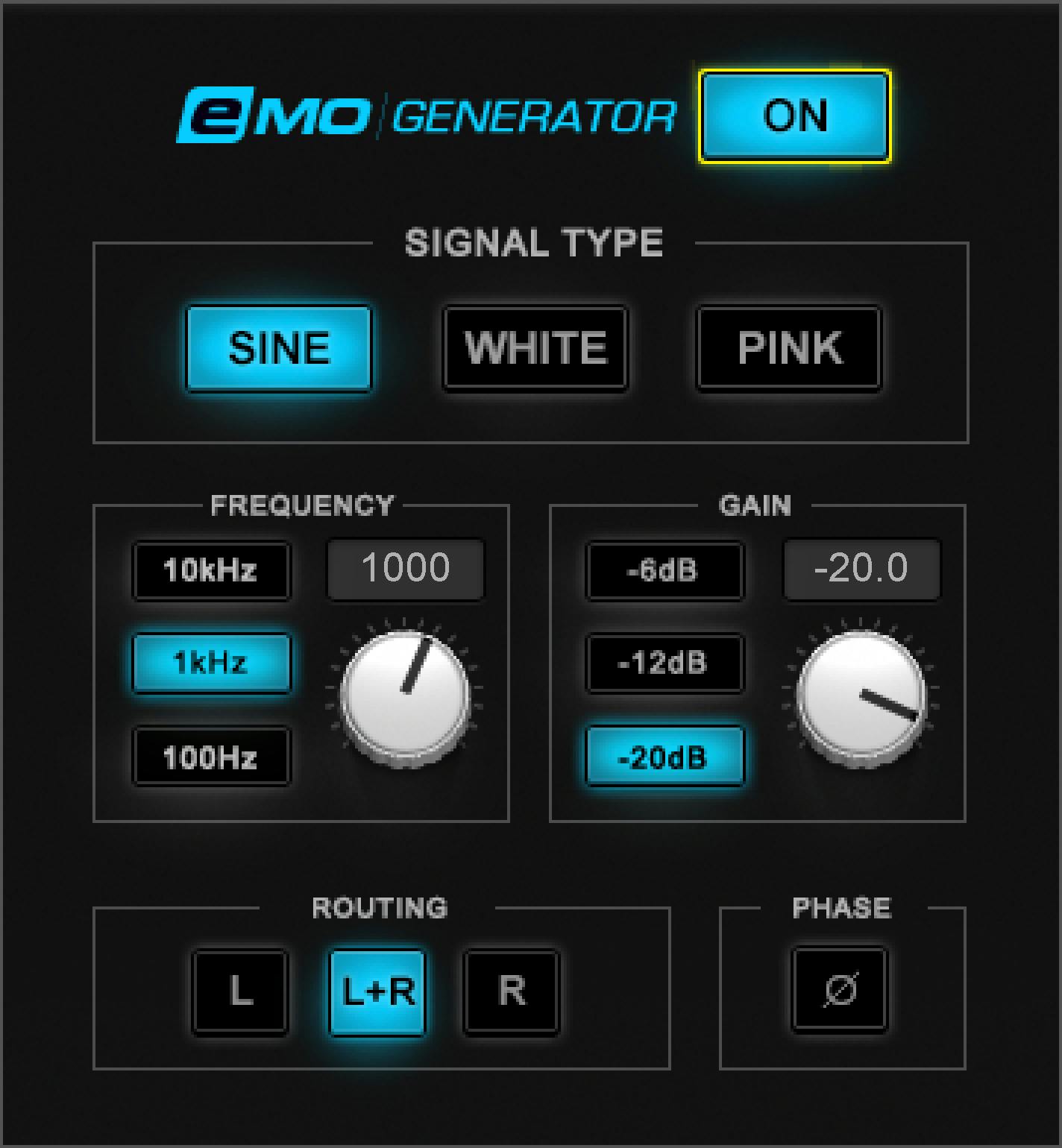
A test tone generator may not be glamorous… but it sure is useful. When used with a spectrum analyzer (like those in the F6, GEQ, and H-EQ), pink noise reveals filter curves, differences among EQ designs, and distortion components. Or, gate sine waves or noise to supplement drum sounds.
Mix in pink noise to emulate listening to mixes while driving. Use sine waves to find room resonances, ring out PA systems, check your hearing, and more—don’t miss out on this useful tool.
Features
- Use with a spectrum analyzer to analyze filter curves
- Supplement acoustic snares with gated pink noise
- Emulate the effect of listening to mixes while driving in a car
- Included with the Waves eMotion LV1 live mixer
- Gate sine wave with sidechained kick for “hum drum” kick sounds
- Analyze distortion components using sine waves
- Check mono and stereo phase integrity
System requirements
Mac
OS: macOS Catalina 10.15, Big Sur 11, Monterey 12, Ventura 13, Sonoma 14
Disk space: 16 GB
CPU: https://www.waves.com/plugins/emo-generator#tab-tech-specs|tab-sys-req:~:text=Intel%20or%20Silicon%20Architecture
Windows
OS: Windows 10 64 bit and Windows 11
Disk space: 16 GB
CPU: X64 compatible Intel or AMD CPU
Related products
-

SIBELIUS Ultimate
$269
Perpetual – UpgradeIn stock
-

PRO TOOLS Artist
$339
Perpetual – NewIn stock
-

PRO TOOLS Multiseat
$909
1yr SubscriptionBackorder
-

PRO TOOLS Ultimate
Original price was: $949.$909Current price is: $909.
Perpetual – UpgradeIn stock
-

PRO TOOLS Studio
$379
Perpetual – UpgradeIn stock
-

SIBELIUS Ultimate
Price range: $259 through $319
1yr SubscriptionIn stock
This product has multiple variants. The options may be chosen on the product page
WAVES
eMo Generator
$49
In stock
see more from:
WAVES
eMo Generator
$49
In stock
Waves eMo Generator (Digital Download)
Digital licence – this is a digital download (no box or physical product). Your activation code and download instructions are delivered by email, usually same day or within 24 hours. Unfortunately incorrectly ordered software licences cannot be refunded or returned, so please check the edition and eligibility before ordering.
Find Out What Your System Is Really Doing
Analyze, synthesize, test, set up, ring out, and mix
A test tone generator may not be glamorous… but it sure is useful. When used with a spectrum analyzer (like those in the F6, GEQ, and H-EQ), pink noise reveals filter curves, differences among EQ designs, and distortion components. Or, gate sine waves or noise to supplement drum sounds.
Mix in pink noise to emulate listening to mixes while driving. Use sine waves to find room resonances, ring out PA systems, check your hearing, and more—don’t miss out on this useful tool.
Features
- Use with a spectrum analyzer to analyze filter curves
- Supplement acoustic snares with gated pink noise
- Emulate the effect of listening to mixes while driving in a car
- Included with the Waves eMotion LV1 live mixer
- Gate sine wave with sidechained kick for “hum drum” kick sounds
- Analyze distortion components using sine waves
- Check mono and stereo phase integrity
System requirements
Mac
OS: macOS Catalina 10.15, Big Sur 11, Monterey 12, Ventura 13, Sonoma 14
Disk space: 16 GB
CPU: https://www.waves.com/plugins/emo-generator#tab-tech-specs|tab-sys-req:~:text=Intel%20or%20Silicon%20Architecture
Windows
OS: Windows 10 64 bit and Windows 11
Disk space: 16 GB
CPU: X64 compatible Intel or AMD CPU
see more from:

